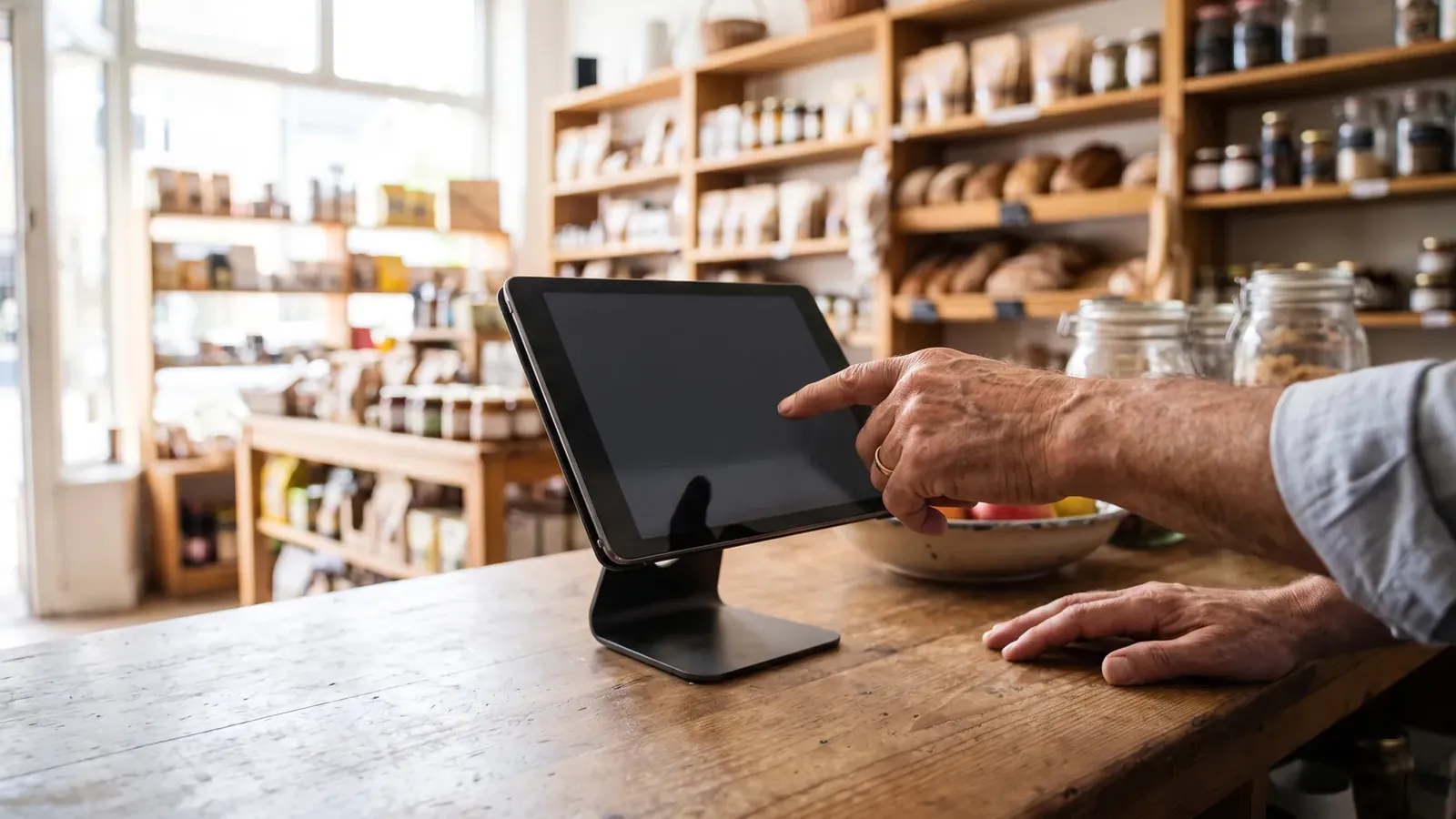
Anyone can learn to operate a till in two hours. What actually consumes the first week is not knowing what things are: they ask, someone walks over, the queue grows, and the customer gets impatient. That loop repeats dozens of times a day and interrupts an experienced colleague every time.
Why the photo helps
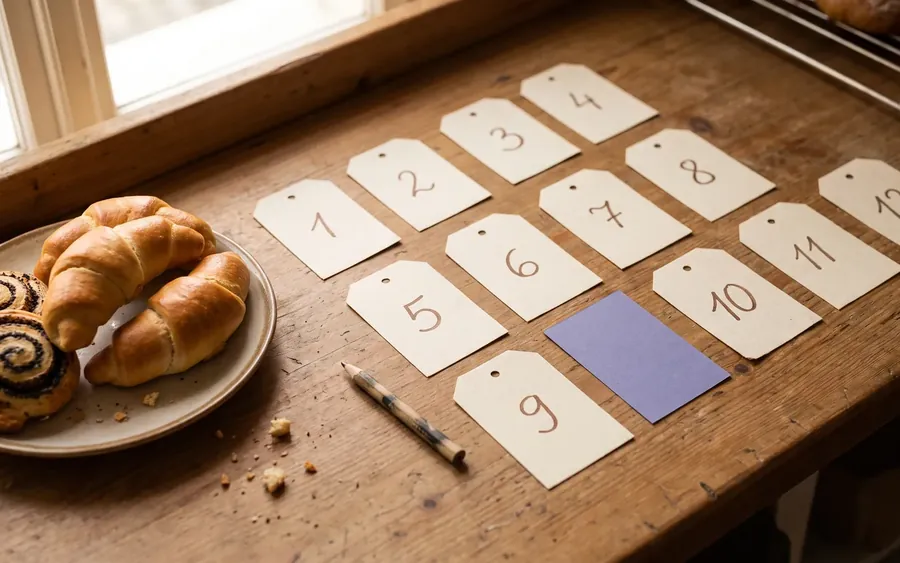
A name only helps someone who already knows the product. With a photo beside the quick code, recognition becomes visual: look, find, tap. Nothing to memorise — which is exactly why training collapses from weeks to minutes.
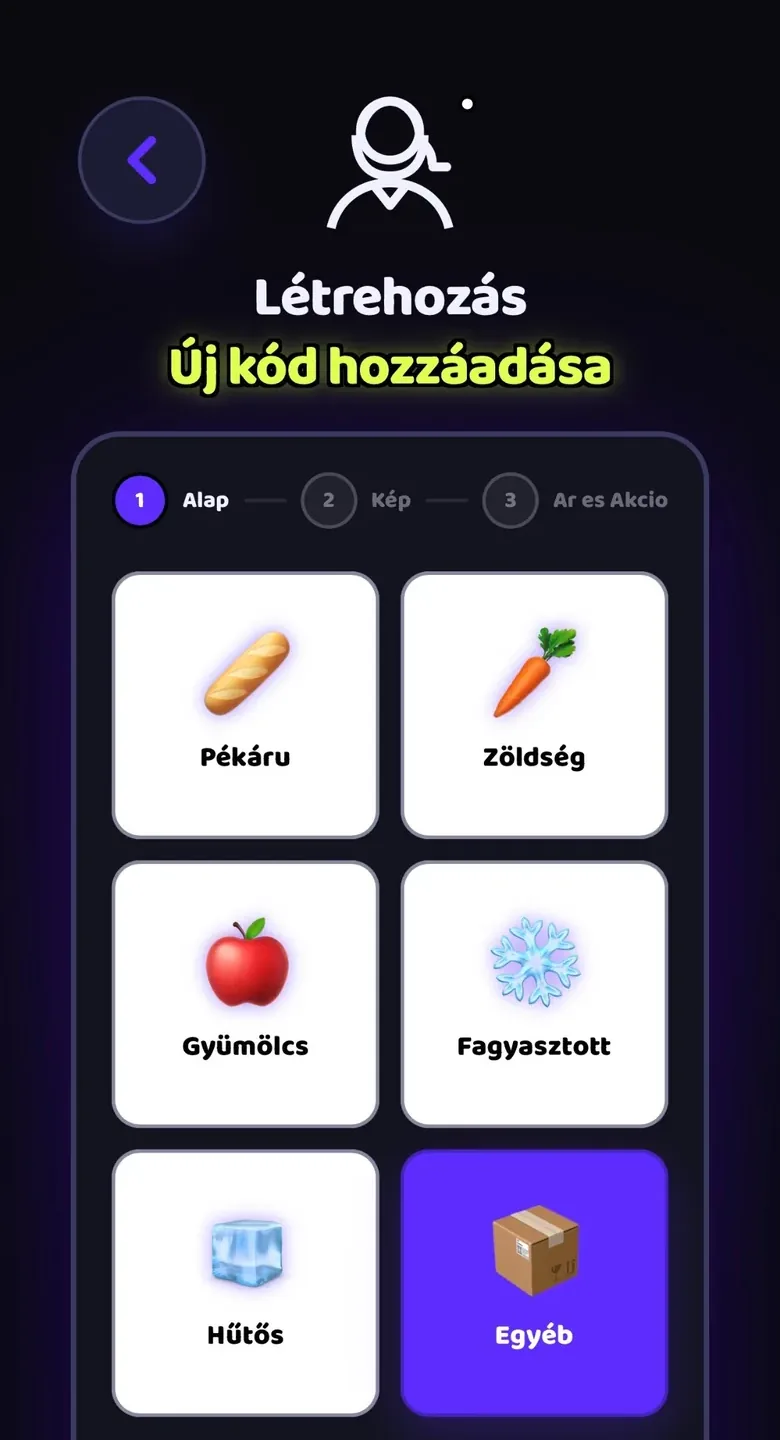
Categories should follow the shop
- Five or six categories, each fitting on one screen.
- Use the words you use in the shop, not system jargon.
- Put the most frequent category first — usually bakery or drinks.
The language nobody talks about
Many shops employ colleagues whose first language isn't the local one. For them training is a double task: the job and a foreign-language interface. Switching the interface to their own language removes the second layer entirely — same quick codes, same products, only the labels change.
A script for the first five minutes
Training runs long because we try to say everything at once. On day one the goal isn’t for the new person to know everything — it’s for them to serve one customer on their own. Everything else can wait until day two.
- 1Minute 1 — one full saleShow a whole customer: product, basket, payment. Don’t explain while you do it, just do it.
- 2Minute 2 — they do the sameThey take the second sale, you stand next to them. This is where you find out what didn’t land — usually far less than you expected.
- 3Minute 3 — searchWhat happens when a product isn’t on screen? Type the name, show the result. This is the skill that lets them handle anything.
- 4Minute 4 — undoWrong item in the basket. Show them how to take it off. Until they know this, they will be afraid of the till.
- 5Minute 5 — who to askA name and a phone number. The most important five seconds of the whole thing.
| The system should show this | You should say this |
|---|---|
| What the product looks like | Who to talk to when something goes wrong |
| What it costs and whether it’s discounted | What we do when a customer complains |
| Where it sits among the categories | When to flag that something is running low |
| What is in the basket so far | What staff consumption means here |
Day two: mistakes and undo
Most of a new person’s slowness comes from fear rather than ignorance. They are afraid of doing something that can’t be undone, so they ask, or they wait. Show them on day one that almost everything is reversible, and that tension disappears.
- Wrong item in the basket: removable before it becomes a sale.
- Wrong quantity: editable, no need to start over.
- An already closed sale: there is a way to put it right — but they have to say something, and that is fine.
- A mistyped staff consumption or waste entry: deletable, not there forever.
In summary
Training is short when nothing has to be held in someone’s head. Photos, consistent categories and their own language mean day one is about showing a process, not transferring knowledge. One sale shown, one sale done alone, search, undo, and a name to call — everything else can wait until the first time it comes up.
Frequently asked questions
How long does it take to train a new till operator?
The core movement takes about five minutes when quick codes carry photos. The full routine is a few days, versus weeks with a printed code list.
Do they have to learn the codes?
No. Typing a code is only one route; photo recognition and categories are enough to serve customers.
What if they don't speak the local language well?
Switch the interface to their language. The codes and products stay the same, so the language barrier stops slowing training.
When can they work the counter alone?
Usually after day three, when the questions have mostly stopped. Keep someone alongside at peak times for another day or two.
Say the product's name and it's there on the till.
Boltom App takes the work behind the counter off your hands. You find a product by looking at its photo or saying its name out loud — no codes, no scraps of paper. Whatever leaves the shelf or goes in the bin is recorded right there, not in a notebook. It works alongside your existing till, not instead of it.
- A quick code with a photo — or just say the product's name and the till finds it.
- Staff consumption in three taps, recorded under the person's name.
- Daily waste with its reason: expired, broken, unsellable — totalled up in money.
No card needed · 2 minutes