The most common mistake is trying to enter several hundred products in one sitting. Two or three hours in, everyone is exhausted, the system is half finished, and the paper list comes back out the next morning. From there it is very hard to recover: the team concludes that “the new thing doesn't work anyway”.
You don't need the full range. In an average small shop, roughly half of daily sales come from fifty or sixty products — and those are exactly the ones the cashier hunts for: bakery, milk, coffee, soft drinks, tobacco and a few seasonal lines.
Which fifty products come first?
Choose by daily unit count, not by margin or stock value. A cheap roll sold two hundred times a day costs far more cashier time than an expensive item sold once a month.
- 1List what you ring up most often. If you have till reports, start there; if not, your cashiers can recite it from memory.
- 2Add the weighed and barcode-less items — these are where the hunting happens.
- 3Add whatever new colleagues keep asking about. Those are the “what is this” products.
- 4Leave out seasonal and one-off lines for now.
What makes a good quick code?
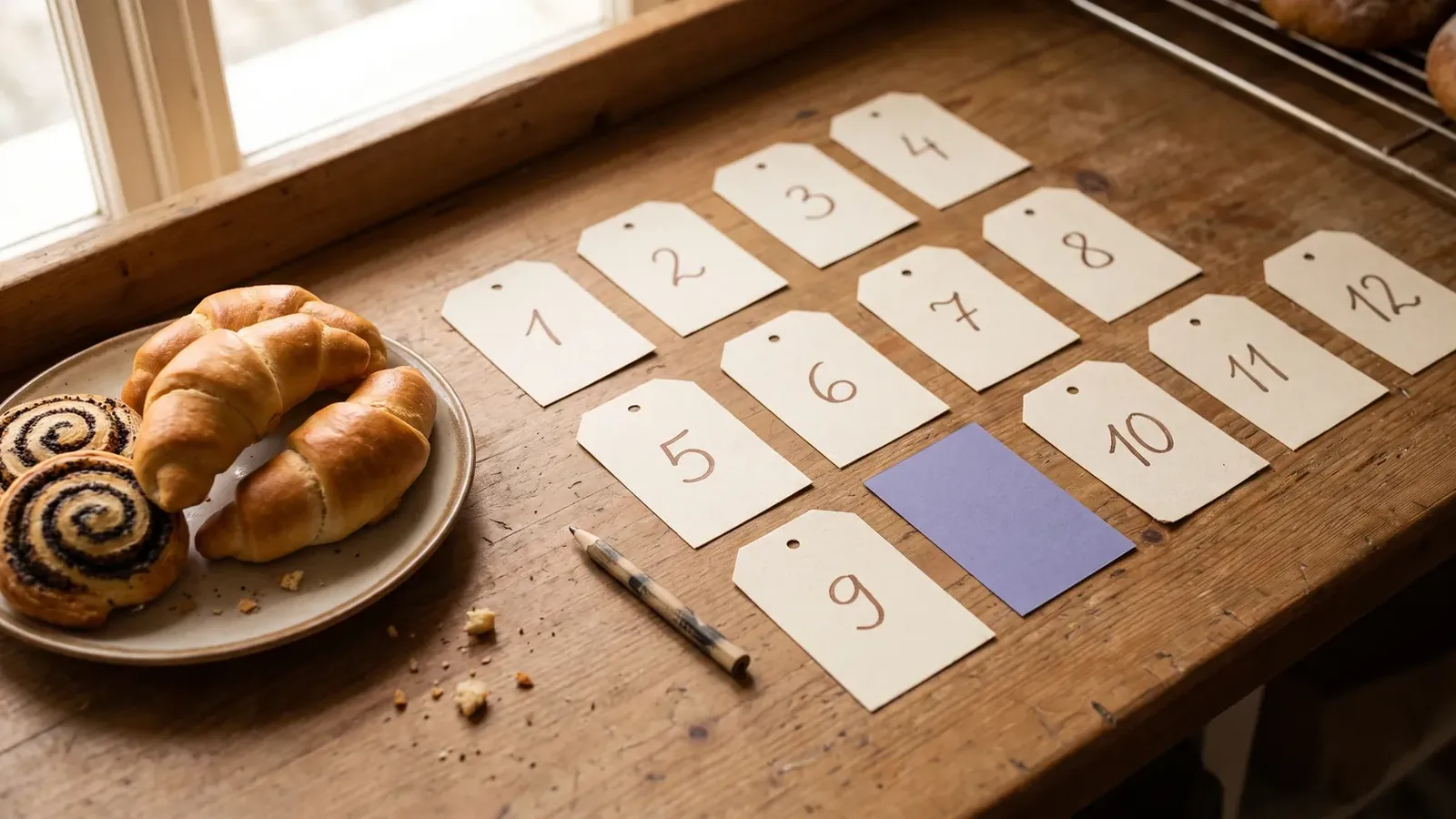
A good code is short and unambiguous. Three or four digits works in most shops: enough combinations, still typed in one movement. If your shop already uses codes, keep them — re-teaching numbers that are already memorised is wasted effort.
| Category | Range | Example |
|---|---|---|
| Bakery | 1000–1999 | 1958 — Crescent roll |
| Chilled, dairy | 2000–2999 | 2010 — Milk 2.8% |
| Fruit | 3000–3999 | 3011 — Apple |
| Vegetables | 4000–4999 | 4010 — Carrot |
| Frozen | 5000–5999 | 5030 — Ice cream |
| Other | 6000–6999 | 6040 — Ground coffee |
Why the photo matters
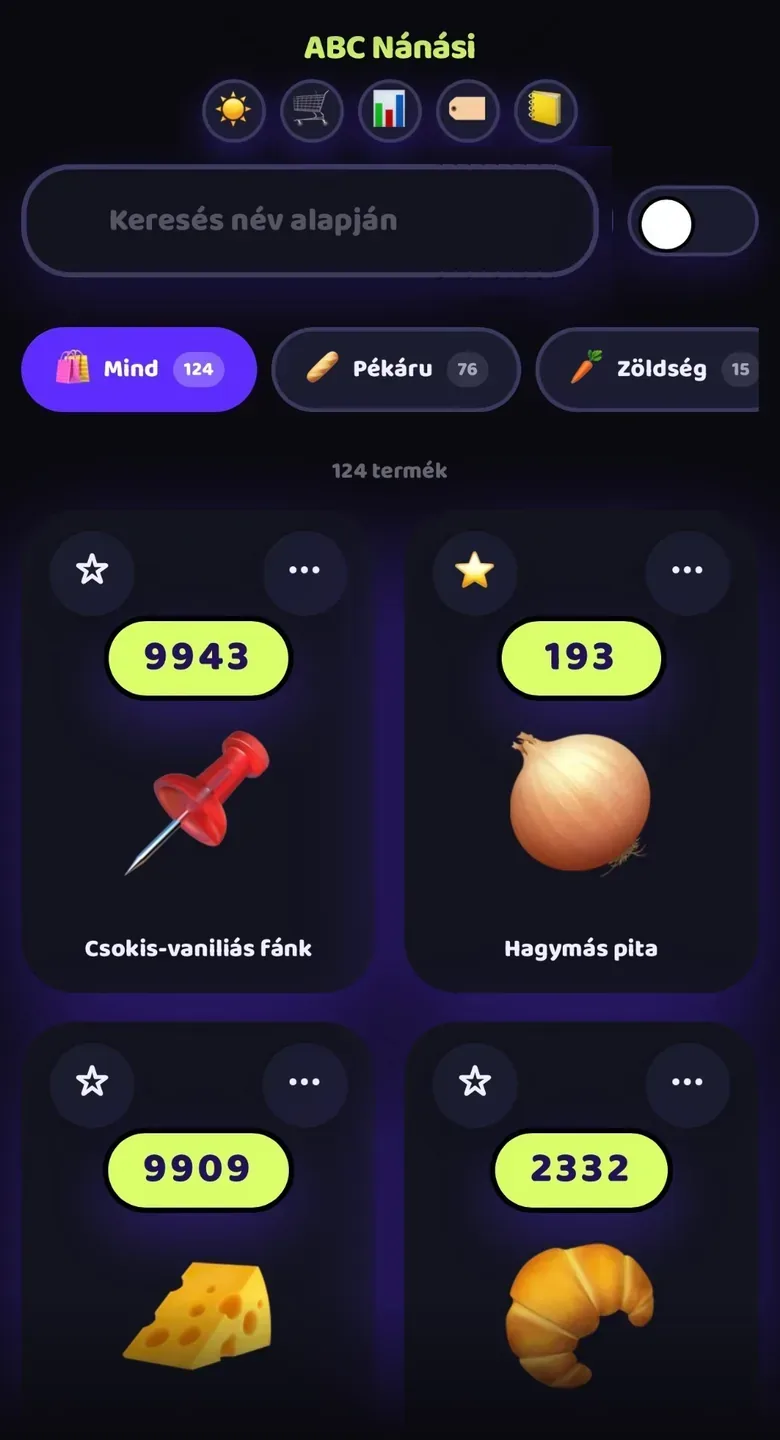
A name only helps someone who already knows the product. A new colleague can't tell whether the scone on the counter is the crackling one or the cheese one — and the prices differ. With a photo next to the code, recognition becomes visual instead of verbal.

The first week
- 1Day 1 — enter the fiftyTwo people, two hours. One reads from the list, the other types. Don't worry about prices you don't have yet.
- 2Days 2–3 — watch what's missingWhen a customer asks for something that isn't in, the cashier adds it with one button, while the product is in their hand.
- 3Days 4–7 — set favouritesWhatever comes up every day goes into favourites, reachable in a single tap.
- 4Weeks 2–3 — the restThe full range assembles itself, with no evenings spent typing.
What happens if you enter two hundred codes at once?
This is the most common mistake, and it always comes from good intentions. The owner sits down on a quiet Sunday afternoon and loads the entire range, because “we may as well finish it”. Two weeks later the system is full of codes nobody uses, and search is slower than it was at the start.
The problem isn’t the number, it’s that nobody learns the codes for slow-moving products. A code entered twice a month stays exactly as slow as no code at all — while still sitting in the list, matching searches, and crowding out the products that matter. Fifty well-chosen codes make a faster shop than two hundred half-remembered ones.
| Codes on file | What happens behind the counter |
|---|---|
| 30–60 | The team knows most codes by heart. This is the target. |
| 60–120 | The core is memorised, rarer items go through search. Still fine. |
| Over 120 | Nobody knows them by heart. The code loses its point; only search remains. |
Who maintains the list, and how often?
A quick-code list is a living thing. Seasons change, a supplier drops out, a new product suddenly becomes everyone’s favourite. If nobody owns it, it goes stale within six months and the team quietly falls back on search — at which point the system no longer speeds anything up, it just exists.
- 1Put a name on it. In most shops that is the owner or the shop manager, not the whole team.
- 2Once a month, compare the best-selling products with the quick codes.
- 3Anything in the top twenty without a code gets one. Anything that hasn’t sold in months can lose its code.
- 4Expect a bigger reshuffle at season changes: ice cream and soft drinks in summer, hot drinks and baked goods in winter.

In summary
The first fifty quick codes are not an admin task — they are a decision about which fifty products deserve the fastest route to the till. Build the list from real sales, keep the codes short and consistent, add a photo, and review it once a month. Do that, and the system will be as fast a year from now as it was in week one.
Frequently asked questions
How many products do I need before it's worth it?
Fifty already makes a noticeable difference, because they account for roughly half of daily sales. Entering the full range is not a prerequisite.
Should we keep our old codes?
Yes. They are already memorised, and renumbering only creates an unnecessary round of retraining. The system accepts any short code.
Does every product need a photo?
Not mandatory, but it helps enormously for the most frequent and most easily confused items.
What if a product isn't in the system yet?
The cashier adds it with one button from the till screen, without interrupting the sale.
Say the product's name and it's there on the till.
Boltom App takes the work behind the counter off your hands. You find a product by looking at its photo or saying its name out loud — no codes, no scraps of paper. Whatever leaves the shelf or goes in the bin is recorded right there, not in a notebook. It works alongside your existing till, not instead of it.
- A quick code with a photo — or just say the product's name and the till finds it.
- Staff consumption in three taps, recorded under the person's name.
- Daily waste with its reason: expired, broken, unsellable — totalled up in money.
No card needed · 2 minutes