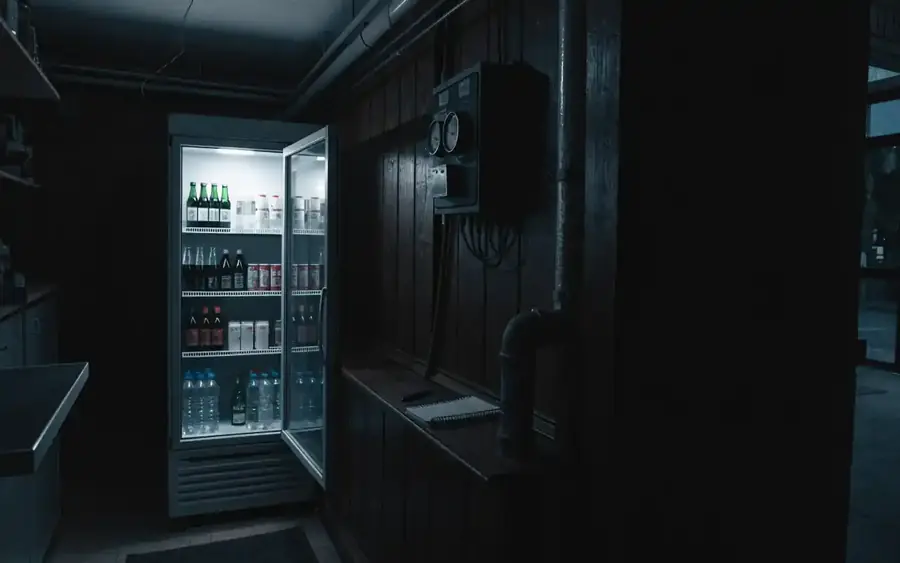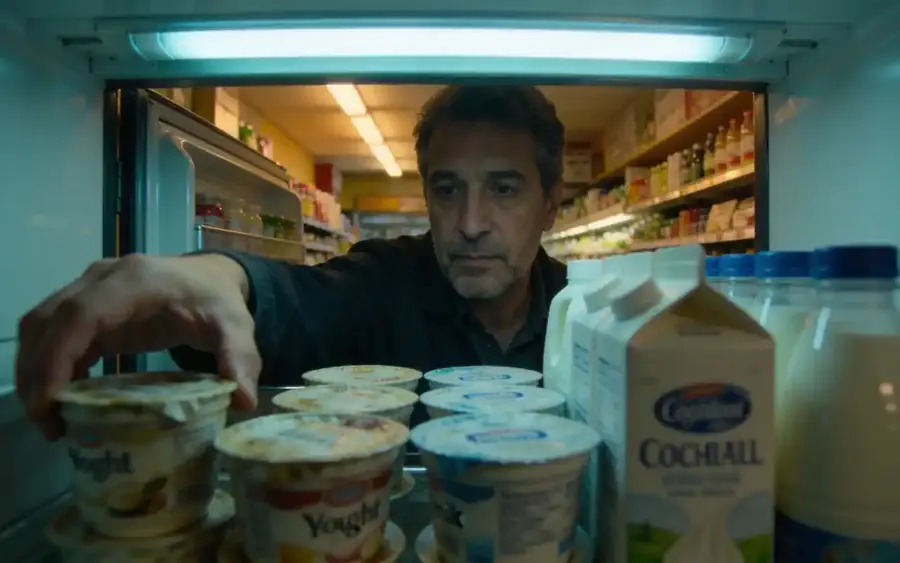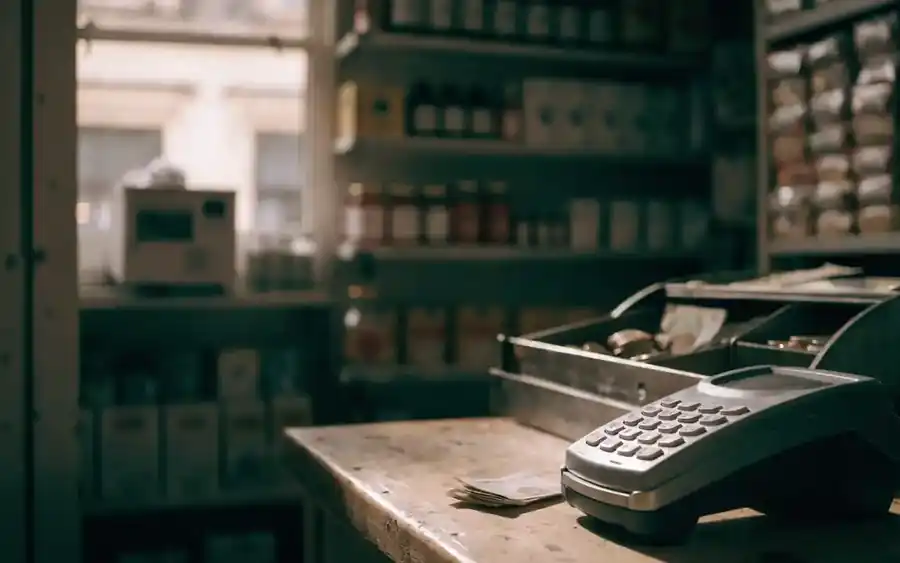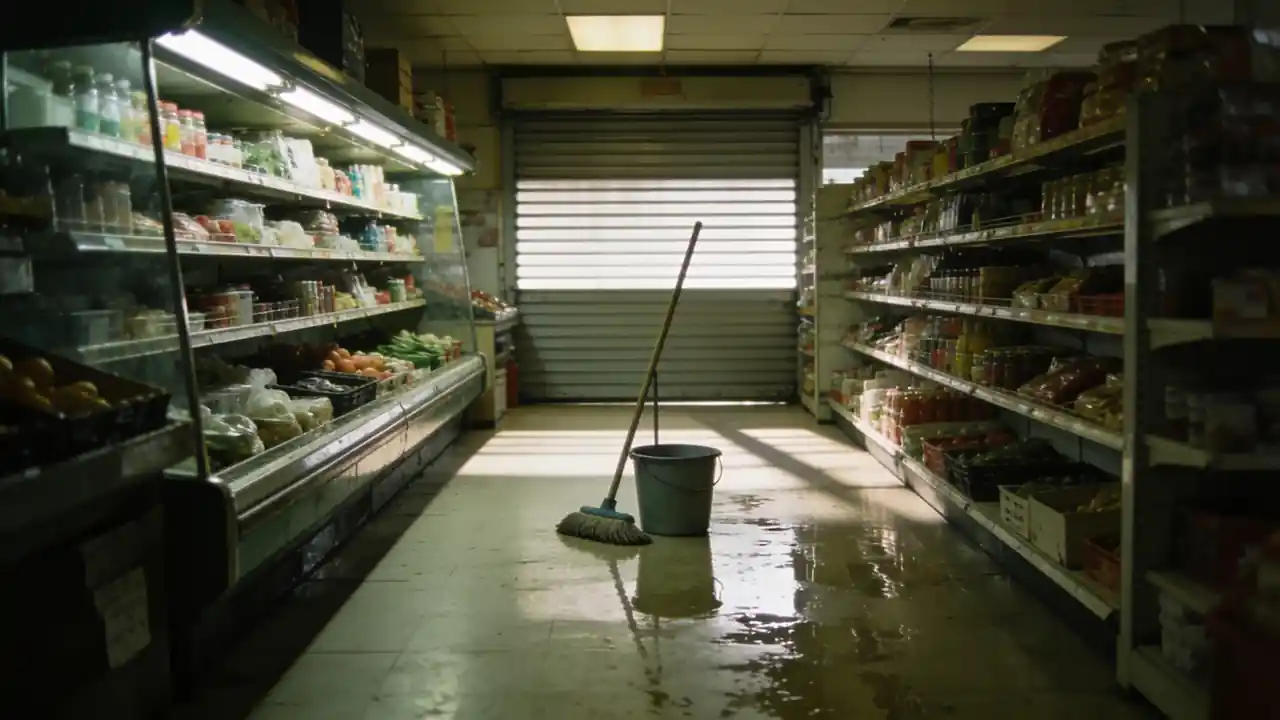
An ordinary Tuesday afternoon, a queue at the counter, and suddenly the shop goes dark. The hum of the fridges stops, the card machine cannot find a connection, and a customer holding a carton of milk asks: so how am I supposed to pay? There is no time to look anything up. Whatever you have not thought through in advance, you will decide in a rush, and badly.
Most outages are short: a few minutes, an hour or two at most. What costs a shop money is not some great disaster but small mistakes. Someone opens the fridge ten times to check whether it is still cold, nobody writes down when the power went, a customer walks out because they did not know they could pay in cash, and the next day nobody can say what should have been thrown away. A simple contingency plan prevents exactly these mistakes.
This article is about the unexpected outage: a power cut, a dead internet connection, a card machine that will not work. The everyday energy use and upkeep of refrigeration has its own article (How much does the fridge cost?), the temperature log and corrective action are covered in the HACCP piece (HACCP in a small shop), use-by dates in a third (Expiry dates in the shop), the true cost of cards and cash in a fourth (Card or cash?), and keeping cash safe in the article on shop security. Here they come up only as far as they matter during an outage.
The first 15 minutes
The first quarter of an hour decides how much damage you get away with. You do not need to know everything, not even how long the outage will last. You need to know what you do straight away — whether it turns out to be five minutes or five hours.
- 11. Check what has gone downIs only your shop dark, or the whole street? If it is just you, check the fuse box and the main switch — a fridge or a kettle may have tripped it. If only the internet or the card machine is down, you still have power and the fridges are fine: go straight to taking payments.
- 22. Fridge doors shutClose the door of every fridge and freezer, and tell everyone not to open them. If your open chillers have covers, put them on. Every opening lets warm air in, and nothing shortens the time a fridge stays cold more than that.
- 33. Time and temperature written downWrite down what time the power went and, if the thermometer can be read from outside, the temperature of every fridge as well. These two figures will later decide what you may sell and what you may not — and the insurer will need them too. If you cannot check without opening the door, just write down the time.
- 44. Till and cash safeIf the cash drawer is electric, find out how to open it by hand, and do not leave it open unattended. In the dark and in a hurry it is easier to make mistakes and easier to steal: keep the money behind the counter and the larger notes in the safe. Keep the shop floor visible — a torch or a phone light helps.
- 55. Customers informedSay it out loud and calmly: "There's a power cut, we can't take cards right now, but cash is fine." If you cannot keep serving, say that too, and ask customers to put chilled items back on the counter, not on the shelf. Put a handwritten note on the door.
- 66. Call whoever needs to knowCall the owner if that is not you, and if the whole area is without power, the electricity supplier's fault line, to find out how long it may last. If the fault is only in your shop, you need an electrician. The phone numbers should be on the emergency sheet, not just in your head or your phone.
Then comes the decision: stay open for cash, or close. There is a separate section on that below. The steps of the first quarter of an hour are the same every time, though, so it is worth talking them through out loud with your staff once, on a quiet day.
How long a fridge stays cold without power
This is what most shopkeepers ask first, and there is no single exact answer. The type of unit, the state of the door seal, how full the fridge is, the temperature in the shop and how many times the door has been opened all play a part. The table below is general guidance, not a guarantee. The thermometer always tells the truth, not the clock.
| Unit | How long it keeps cold (general guidance) | What to watch |
|---|---|---|
| Closed-door fridge | About 4 hours, if the door stays shut | Every opening shortens the time; a full fridge warms up more slowly than a half-empty one |
| Open chiller, display counter | Much less; often noticeably warmer within an hour | If it has a night cover, put it on straight away; move the most sensitive stock into a closed fridge |
| Full chest freezer or upright freezer | About 1–2 days, if kept shut | A full freezer lasts far longer than a half-empty one; do not open it to check |
| Half-empty freezer | About 1 day, if kept shut | If you can, pack the stock tightly together — frozen goods keep each other cold |
| Ice cream freezer | The texture of ice cream suffers even in a shorter outage | Do not sell ice cream that has melted and refrozen, even if it is hard again |
- If a thermometer can be read from outside, write down its reading with the time at regular intervals during the outage, for example every half hour. If you do not have one, it is worth buying: it is cheap, and in an outage it is worth a great deal.
- A min-max thermometer or a data-logging thermometer shows the highest reading while nobody was watching — during a power cut overnight, for example.
- If the outage drags on, it is worth moving the most sensitive stock — fresh meat, fish, ready-made salads — into a working fridge or a cool box full of ice packs. Write this down too: what, when, where to.
- An overnight power cut is the trickiest, because in the morning you do not know when it started. A min-max thermometer or information from the electricity supplier helps; if you have neither, be stricter.
What to check when the power comes back
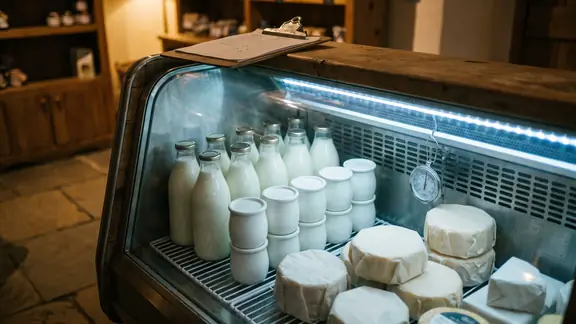
When the fridges start humming again, it is tempting to carry on as if nothing had happened. Yet this is exactly when you have to decide about every chilled and frozen product, one by one or group by group. The decision rests on three things: how long the fridge was without power, what temperature you measured, and what the product label says.
- Measure first: read the temperature in every fridge and freezer, and write it down with the time.
- Look at your notes: when the power went, when it came back, and what the highest reading was.
- Go through the product groups starting with the most sensitive: fresh meat and fish, ready meals, dairy, then the rest.
- Do not put anything doubtful back on the shelf on a "let's see" basis. Set it aside, mark it, and decide about it before you reopen.
| Product group | General guidance | When to throw it away |
|---|---|---|
| Fresh meat, poultry, fish, mince | The most sensitive group; even a short outage must be taken seriously | If its temperature went above the limit on the label or in your HACCP plan, or you do not know how long it was there |
| Ready-made salads, sandwiches, cooked food, sliced meats | Very sensitive, and spoilage often cannot be seen or smelt | If the fridge failed to hold its temperature for a longer period, or if you have any doubt at all |
| Milk, yoghurt, soft cheese, cream | Sensitive; unopened stock that stayed cold throughout is usually fine | If the fridge warmed up noticeably, the packaging has swollen, or the smell or texture has changed — do not decide this by tasting |
| Hard cheese, butter, fruit, vegetables, drinks | Less sensitive; a shorter outage is usually a question of quality, not safety | If the quality has visibly deteriorated; the storage conditions on the label still apply |
| Frozen goods | If they still have ice crystals and the freezer stayed cold throughout, they can usually stay frozen | If fully thawed and warmed up; do not refreeze thawed goods, and do not sell them as frozen |
| Ice cream | Its texture changes even after brief melting | If it has melted or softened, even if it has since refrozen |
Discarded stock does not just vanish: it becomes waste, and that is exactly what the insurer will want to see. So photograph it and write it down before you throw it away — there is a separate section on that below. Your HACCP log should get a short corrective entry as well: what happened, how long it lasted, what you measured and what you did with the stock.
Selling without cards or internet
Often it is not the power that goes, only the internet, or the card machine stops working. The shop is running, but customers cannot pay the way they are used to. That is a manageable situation — if you have prepared for it.
- Cash: say at the door and at the counter that it is cash only for now. A handwritten note on the door helps a lot, because many people decide whether to stay before they even join the queue.
- Reserve of change: if every customer switches to cash at once, your float runs out within hours. Keep a separate, sealed reserve of change in the safe that you only open during an outage.
- Handwritten records: if the till is not working, keep a list of sales in a notebook — time, item, quantity, amount. Not in your head, and not on loose scraps of paper.
- The nearest cash machine: if you know where it is, you can tell the customer. Many people would rather walk to get cash than go home empty-handed.
- Backup connection: if the card machine can work on a mobile network, find out in advance how to switch it over. Many machines can do this; nobody just knows where the setting is.
- Only give credit to people you know very well, and even then write it down by name. "I'll bring it in tomorrow" is easiest to forget on the day of an outage.
If you also record sales in an app alongside your till, check in advance how it behaves without internet. Boltom App, for example, records sales, waste and own use even without internet, and syncs by itself when the connection comes back. Without mains power, though, it only works as long as the phone or tablet battery lasts, and it is not a fiscal till: it does not replace issuing receipts. In a power cut, a charged device and a power bank are as much part of the plan as the notebook.
When it is better to close
Not every outage is worth staying open for. Staying open is the right call if you can serve customers safely and still follow the rules. Close instead if:
- the shop is dark and you cannot see the shop floor — it is easier to steal in the dark, and easier to fall;
- you cannot issue receipts, and local rules do not allow trading in that case;
- you could only serve chilled goods by opening the fridge again and again;
- you are alone, and handling cash, informing customers and watching the fridges all at once is not working;
- the cause of the outage is a safety issue: smoke, a burning smell, water on the floor, a sparking socket. Then the till should not be your first thought — if you can do it safely, switch off at the main switch and call for help.
A temporary closure is not a failure. A handwritten note on the door — "Temporarily closed due to a power cut" — is worth more than a half-dark shop where nobody knows what is going on.

If the till or receipting goes down
In most countries shops must record sales in some registered way and give customers a receipt. Exactly how this works, and what to do if the till stops because of a power cut or a fault, varies a great deal from country to country. In some places you can switch to a handwritten receipt book, in others the fault must be reported, and in others you may not trade at all until the till is working again.
If you need a backup receipt book, keep it in the shop and make sure everyone knows where it is. And do not throw away the handwritten records from the outage afterwards: you use them to enter the sales later, and they show what happened if anyone asks.
Backup power and backup internet
You do not need expensive kit for every possible outage. It is worth thinking through, though, which few things must keep working during an outage — and what the cheapest backup is for each of them.
| Equipment | Good for | Not good for | What to watch |
|---|---|---|---|
| Uninterruptible power supply (UPS) | Keeps the router, card machine and till going through a short outage and protects them from sudden shutdown | Does not run refrigeration; runs flat in a longer outage | Only connect low-power devices; the battery needs replacing every few years |
| Mobile data backup | If only the fixed-line internet goes down, the card machine and apps keep working | In a power cut it only helps if the router or phone still has power | Check in advance that there is signal in the shop and who knows how to switch over |
| Power bank, charged phone | Keeps the phone, tablet, mobile card reader and torch working | Will not run anything larger | Keep it charged, in a fixed place, next to the emergency sheet |
| Generator | Can run refrigeration in a longer outage | Expensive, noisy and needs professional connection | Never run it indoors; have an electrician do the connection |
| Torch, head torch | Moving around safely in the dark, reading thermometers | Nothing else | Several of them, with fresh batteries, under the counter and in the stockroom |
- Test the UPS on a quiet day: unplug it from the wall and see how long the router and card machine keep running on it.
- Test the mobile data backup too. A backup that nobody has ever switched on will not work on the day of the outage.
- Never run a generator inside the shop, next to the entrance or under an open window: the exhaust fumes can kill. Always have a professional do the connection.
- Check your insurance as well: does it cover stock spoilt because of an outage, and if so, under what conditions?
Documenting the loss
If you have to throw stock away after a longer power cut, part of the loss can often be recovered — from your insurer, sometimes from the electricity supplier. What can be claimed, and on what terms, depends on your contract and on local rules. One thing is true everywhere, though: what you have not documented is hard to prove.
- Photos: of the fridge thermometers, of the stock to be thrown away — ideally with the label and the date visible — and of the inside of the fridges before you empty them.
- Temperature record: the start and end of the outage, and the readings with their times. This can be a notebook page or a page of the HACCP log.
- Waste list: product, quantity, cost value and the reason — power cut. Make it before you throw anything away, not the next day from memory.
- The time and reference number of your fault report, if the electricity supplier gave you one, or their notice about the outage.
- If you called out an engineer, their job sheet or invoice.
- An estimate of lost takings: the day of the outage set against a similar day, such as the same day the previous week.
It is worth recording this waste in the same place as your everyday waste, and always with a reason. If you use an app, such as Boltom App, enter power cut as the reason there too — that way these items do not get mixed up with your usual daily waste, and you can hand the list to the insurer in one piece.
A one-page emergency sheet for under the counter
A contingency plan is only worth something if it is not in the owner's head but on a sheet of paper, right where the outage hits: under the counter. One page, in large print, in a plastic sleeve, with a copy in the stockroom or by the back door. Show it to every new member of staff on their first day.
- Who calls whom, and in what order: owner, deputy, electrician, refrigeration engineer, the electricity supplier's fault line, the internet provider and the card machine provider — with phone numbers.
- Where the main switch and the fuse box are, and which fuse belongs to which fridge.
- Where the keys to the fuse box, the safe and the shutter are, and how to open the shutter or electric door by hand.
- Where the torch, the power bank, the reserve of change, the notebook and — if needed — the backup receipt book are.
- The steps of the first 15 minutes, in brief.
- What to do if the till or receipting goes down — as agreed with your accountant.
- How to switch to the mobile data backup, and how to restart the router and the card machine.
„In an outage, what matters is not how much you know, but how much you do not have to work out on the spot.”
The phone numbers should not only be in your phone: if it runs flat, or the problem is that there is no signal, the paper is still there. Update the sheet once a year and whenever something changes — a new engineer, a new provider, a new member of staff.
Afterwards: what to learn from it
When everything is working again, take ten minutes — the same day or the next — to go over what happened. You are not looking for someone to blame, but for what you would do differently next time.
- How long did it last, and how much stock had to be thrown away? What did it cost in total, including lost takings?
- What worked? Did everyone find the torch, the notebook, the reserve of change?
- What was missing? A phone number, a key, a thermometer, a charged power bank?
- Which fridge warmed up fastest? Its seal may be worn, or it may be in the wrong place — that shows up on your everyday electricity bill as well.
- Should you have closed sooner, or stayed open longer?
- What needs updating on the emergency sheet, and who will tell the others about the change?
If outages are frequent, the data helps you decide. If you have to throw away chilled stock several times a year, the price of a UPS or a generator can quickly be set against the value of that waste — and you can work it out from your own records rather than guessing.
Common mistakes
| Mistake | Why it is a problem | How to avoid it |
|---|---|---|
| Everyone keeps opening the fridge to see if it is still cold | Every opening lets warm air in and shortens the safe time | Doors shut; read the thermometer from outside, or look in just once, quickly |
| Nobody writes down when the power went | Afterwards you cannot say how long the stock was warm | Writing down the time and temperature is one of the first steps |
| Doubtful chilled stock goes back on the shelf | A food safety risk for the customer and a liability for the shop | If in doubt, do not sell it; set it aside, mark it and decide before reopening |
| Throwing stock away without photos or a list | What you cannot prove, the insurer will not pay for | Photos, temperature record and waste list before anything is thrown away |
| No reserve of change | With everyone paying cash the float runs out fast, and customers leave | A separate, sealed reserve of change in the safe |
| Trying to work out the receipting rules during the outage | The wrong decision can mean a fine, or closing for no reason | Settle it with your accountant in advance and write it on the emergency sheet |
| A generator inside the shop or by the entrance | The exhaust fumes can kill | Outdoors only, with a professional connection |
Checklist
- Are the first-15-minute steps written down, and does every member of staff know them?
- Does every fridge and freezer have a thermometer, ideally one that can be read from outside?
- Are there covers for the open chillers?
- Is there a sealed reserve of change in the safe?
- Is there a notebook, a pen and — if local rules require it — a backup receipt book under the counter?
- Have you agreed with your accountant what to do if the till or receipting goes down?
- Is there a UPS for the router and card machine, and have you tested it?
- Is there a mobile data backup, and does someone know how to switch over to it?
- Is the power bank charged, and does the torch work?
- Is the emergency sheet up under the counter, with current phone numbers and the location of the main switch and the keys?
Summary
- In the first quarter of an hour: fridge doors shut, time and temperature written down, till and cash safe, customers informed.
- With the door shut a fridge usually keeps its cold for about four hours and a full freezer for one to two days — but the thermometer and the product label decide.
- If you have any doubt about a chilled product, do not sell it; the exact limit comes from the label, your HACCP plan and local regulations.
- Without cards or internet you can sell with cash, a reserve of change and handwritten records — if even that cannot be done safely, close.
- Settle the rules for a receipting outage with your accountant in advance, and test your backup power and internet before you need them.
- Document the loss with photos, a temperature record and a waste list, and keep the one-page emergency sheet up to date.
Frequently asked questions
What should I do if there is a power cut in my shop?
First check whether the fault is only in your shop or across the whole area — if it is just you, the fuse box is the place to start. Close the fridge and freezer doors, and write down the time and the temperature. Make the till and the cash safe, and tell customers that it is cash only for now, or that you are closing temporarily. Then call the owner and, if needed, the electricity supplier or an electrician.
How long does a fridge stay cold without power?
As general guidance, a closed-door fridge keeps its cold for about four hours if nobody opens it. An open chiller or display counter warms up much faster, often within an hour. The state of the seal, the temperature in the shop and how full the fridge is all make a big difference. Always base the decision on the measured temperature, the product label and your HACCP plan.
How long does food stay frozen in a freezer without power?
As general guidance, a full freezer kept shut holds its cold for about one to two days, and a half-empty one for about a day. Frozen goods also keep each other cold, which is why a full freezer lasts longer. Do not open it to check — every opening shortens that time. If you can, a min-max thermometer will show you afterwards how far it warmed up.
What has to be thrown away after a power cut?
Anything whose temperature went above the limit on the label or in your HACCP plan, and also anything where you cannot say for sure how long it was warm. The most sensitive items are fresh meat, fish, ready-made salads, sandwiches and sliced meats. Hard cheese, vegetables or drinks usually cope better with a shorter outage. If you have any doubt about a chilled product, do not sell it — and do not decide by tasting it.
Can I refreeze thawed food?
As a general rule, do not refreeze frozen goods that have fully thawed and warmed up, and do not sell them as frozen. If the goods still have ice crystals and the freezer stayed cold throughout, they can usually stay frozen, though their quality may have suffered. Ice cream that has melted and refrozen changes texture and should not be sold. The exact rule comes from the product label, your HACCP plan and local regulations.
What should I do if the card machine is not working?
First find out what the fault is: power, internet or the machine itself. If the card machine can switch to a mobile network, switch it over, and if that does not work either, call the card machine provider. Meanwhile, say at the counter and on the door that cash is accepted, and if you know, tell people where the nearest cash machine is. Top up the float from your reserve of change so it does not run out.
Can I keep selling if the till is down or I cannot issue receipts?
It depends on the country: in some places you can switch to a handwritten receipt book, in others the fault must be reported, and in others you may not trade at all in that case. Settle this on a quiet day with your accountant or from your local tax authority's guidance. Write the answer on the emergency sheet so nobody has to work it out during an outage. Keep the handwritten records from the outage, because you will use them to enter the sales later.
When is it better to close the shop during an outage?
When the shop is dark and you cannot see the shop floor, when you cannot issue receipts and local rules do not allow trading without them, or when you could only serve chilled goods by opening the fridge again and again. It is also better to close if you are alone and cannot handle the cash, the customers and the fridges at the same time. If smoke, a burning smell or water is behind the outage, close at once and call for help. A handwritten note on the door is worth more than a half-dark shop.
Is it worth buying a UPS or a generator?
A small UPS for the router, card machine and till is worth it for most shops: it is relatively cheap and keeps card payments going through a short outage. It will not run refrigeration, though; only a generator can do that. A generator is expensive, noisy, needs a professional connection and can kill if run indoors. It is worth considering if long power cuts are frequent and the value of the stock you throw away each year is comparable to its price.
How do I document the loss for my insurer?
Before throwing anything away, photograph the fridge thermometers, the stock to be discarded together with its labels, and the inside of the fridges. Write down when the outage started and ended, and the temperatures you measured with their times. Make a waste list with product, quantity, cost value and reason. Keep the details of your fault report and the engineer's job sheet, and ask your insurer for their exact conditions.
What should go on a shop emergency sheet?
Who to call and in what order, with phone numbers: owner, electrician, refrigeration engineer, the electricity supplier, the internet provider and the card machine provider. Where the main switch, the fuse box, the keys, the torch, the power bank, the reserve of change and the notebook are. The steps of the first 15 minutes in brief, and what to do if the till or receipting goes down. Keep it to one page, in a plastic sleeve, under the counter.
Does Boltom App work without internet or without power?
Without internet, yes: it records sales, waste and own use, and syncs by itself when the connection comes back. Without mains power it only works as long as the phone or tablet battery lasts, so a charged device and a power bank belong in your contingency plan. Boltom App is not a fiscal till and does not replace issuing receipts; it works alongside your existing till. You can record waste with a reason, such as "power cut", which also comes in handy when documenting the loss.
Say the product's name and it's there on the till.
Boltom App takes the work behind the counter off your hands. You find a product by looking at its photo or saying its name out loud — no codes, no scraps of paper. Whatever leaves the shelf or goes in the bin is recorded right there, not in a notebook. It works alongside your existing till, not instead of it.
- A quick code with a photo — or just say the product's name and the till finds it.
- Staff consumption in three taps, recorded under the person's name.
- Daily waste with its reason: expired, broken, unsellable — totalled up in money.
No card needed · 2 minutes