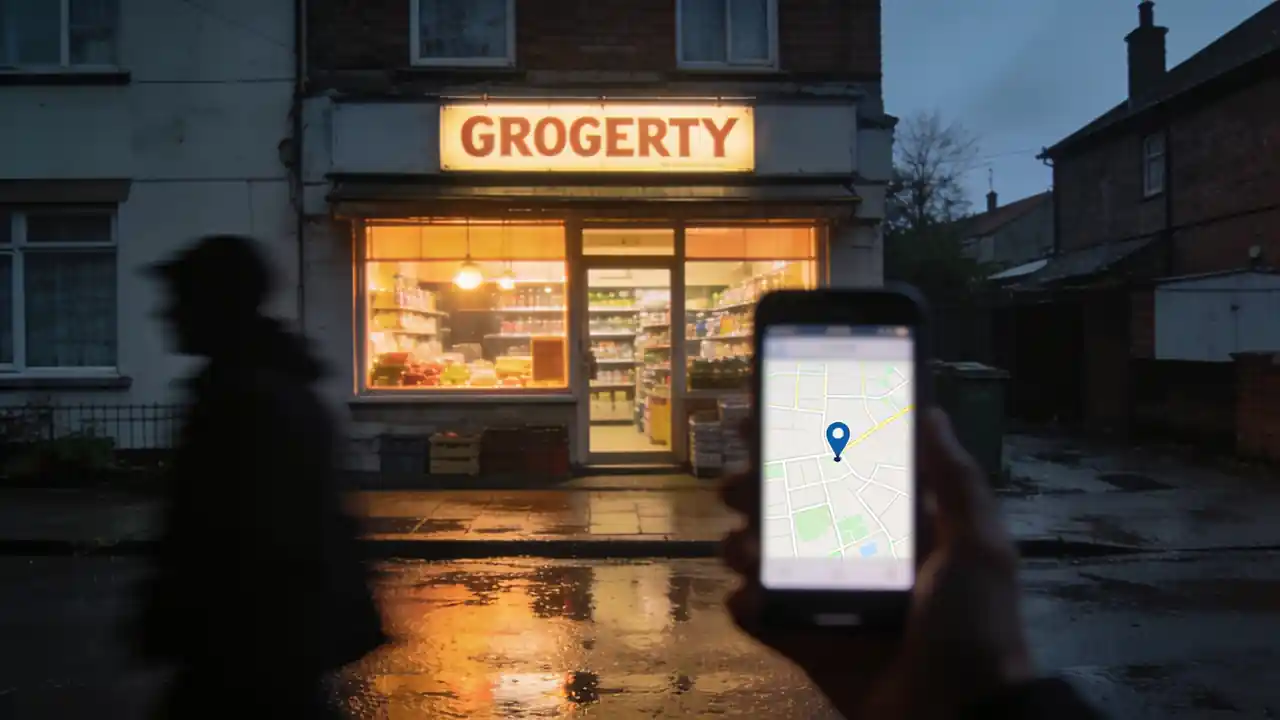
Why this is the cheapest customer you'll ever get
Someone looking for a shop today doesn't look around the street, they look at their phone: "shop near me", "what time does it close", "open on Sunday". That search isn't reserved for the big chains — the map shows what is nearby, and in that one respect a corner shop has the advantage over the superstore on the ring road.
Filling in the profile isn't a marketing cost: no agency, no monthly fee, no ad budget. An afternoon's work, then a few minutes a year. Which is exactly why it stings that most small shops are either not there at all, or there with an incomplete old listing someone else created — showing the wrong opening hours.
What the customer sees before setting out
It's worth looking at your own shop once through a stranger's eyes: search for it on your phone the way a neighbour would. What you see then — name, distance, open or closed, a few photos, a couple of lines of review — decides in seconds whether anyone sets out. They aren't seeing the whole truth: they are seeing what you filled in.
- Name: exactly what's on the sign. Don't put keywords in it — it won't help you rank, and the customer won't recognise you.
- Distance and map pin: this is where the navigation goes. A pin one corner away is a genuinely lost customer.
- Open / closed: this is the first thing they see. If it's wrong, nothing else you did matters.
- Category: this decides which searches you appear in at all. Grocery, bakery, greengrocer — don't generalise.
- Photos: the front, the door and the inside. People walk into an unfamiliar place they have already seen from within.
- Reviews: the interesting part isn't the number of stars, it's whether you answer them.
Filling in the listing, step by step
- 11. Check whether it already existsSearch for the shop by name and address. Very often a listing already exists — someone marked it on the map, or it came from an old database. In that case you don't create a new one, you claim the existing one; otherwise two listings live side by side and the customer finds the worse of the two.
- 22. Prove that it's yoursGoogle verifies that you're entitled to manage the business. How it does that varies by country and by business: it may be a posted letter, a phone call, an email or a video. This is the one step that can take days — start with it, and fill in the rest while it runs.
- 33. Enter the basicsName, address, phone number, category, opening hours. Don't pick the category at random: it determines which searches you show up in. If you do several things — a grocery that also takes parcel collections, say — there is one main category and others can sit beside it.
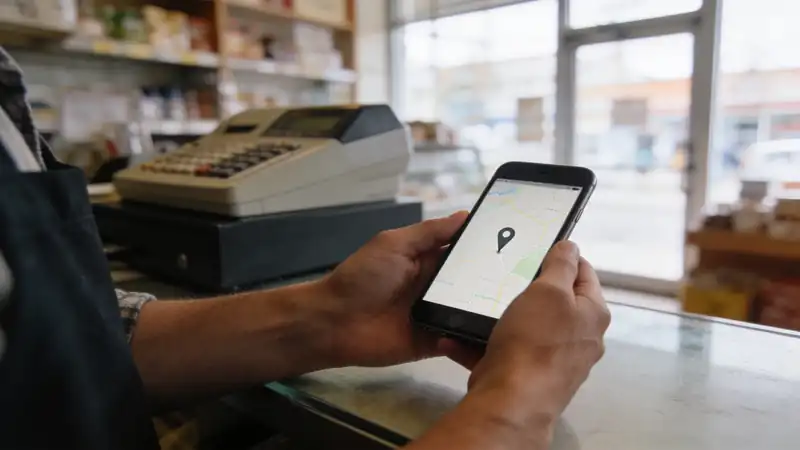
- 44. Move the map pin onto the doorThe automatically placed pin often lands in the middle of the building or in front of the neighbour's. Drag it onto the entrance, then check with your own phone that the navigation really brings you there — on corner buildings and courtyard entrances this goes wrong routinely.
- 55. Upload a few real photosYou don't need a photographer: a phone in daylight is enough. The entrance from outside (so they recognise it in the street), one inside shot of the shelves, and one of whatever you're strong at. Unretouched — the real picture is the useful one, because that is what the customer will be looking for on the street.
- 66. Write a few sentences about what you haveThe description should carry specifics, not superlatives: what you stock, when the fresh delivery arrives, whether there's a collection point, whether you take cards. People search because they need something — and it's the concrete sentence that decides whether they come to you.
Opening hours: the field that ruins everything
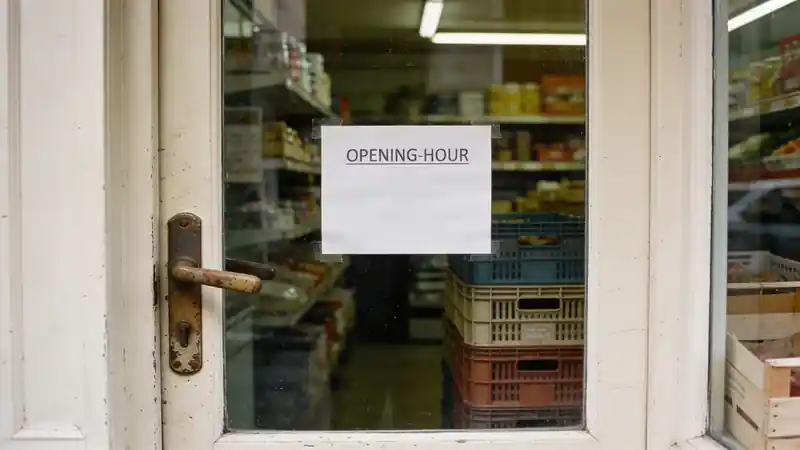
If you only watch one field, watch this one. Every other mistake means somebody doesn't find you — this one means they find you, set out, arrive, and it's closed. That customer doesn't get slightly annoyed: that customer decides this shop isn't reliable, and goes elsewhere next time.
| Field | Why it decides | When to touch it |
|---|---|---|
| Name | Exactly what's on the sign — that's how they recognise you in the street | Only when the sign changes too |
| Address and map pin | This is where navigation goes; on corner buildings it drifts routinely | At creation, then if the entrance changes |
| Opening hours | This is what sends someone for nothing — the one irreversible mistake | Before every holiday, and at every permanent change |
| Phone number | Many people call before they set out | When the number or the handset changes |
| Category | This decides which searches you appear in at all | Once, carefully — rarely after that |
| Photos | People walk into an unfamiliar place they have already seen from within | Yearly, and after any refit |
Photos and reviews
These are the two things that separate a credible shop from one that merely exists in a database. Neither is a question of money; both are a question of attention.
- Shoot with a phone, in daylight. An over-edited picture is worse than a plain one: in the street people look for the real thing.
- Have a photo of the entrance from outside — that's what helps people find you, not the pretty interior.
- Update it after a refit. A photo of a shelf you replaced two years ago is a small but genuine loss of trust.
- Asking for a review is fine — out loud, at the counter, to someone leaving happy. Buying them or writing your own is not, and the systems detect it.
- Reply to all of them, the bad ones too. The reply isn't for the complainant; it's for the next fifty readers who have never been in.
- The best answer to a bad review is short, factual and doesn't argue: what happened, and what you do differently now.
What never to do
- Don't put keywords in the shop's name. It won't win you traffic, the customer won't recognise the sign — and the listing can be suspended for it.
- Don't list a service you don't provide. A "delivery" tick buys you one disappointed phone call and then a bad review.
- Don't leave an old phone number or a dead email address there. An unanswered call is worse than no number at all.
- Don't create a second listing because you can't get into the first. A duplicate splits the reviews, and customers find the worse one.
- Don't hand an agency access in a way that leaves you without it. The listing belongs to your shop — keep the ownership.
- Don't rewrite the regular hours "just for now". That's what holiday hours are for; nobody ever changes the regular ones back.
In summary
- The profile is free, and can be filled in completely in one afternoon.
- First check whether a listing already exists — claim it rather than creating a second.
- Put the map pin on the entrance, and check it with your own phone.
- Opening hours are the most important field, and holiday hours have to go in ahead of time.
- Photos aren't decoration: they decide whether a stranger sets out at all.
- Asking for reviews is fine, buying them is not — and the reply is for the next reader, not the complainant.
Frequently asked questions
Do I need a website for this?
No. The profile stands on its own: name, address, hours, phone, photos, reviews. Plenty of small shops are better off with no outdated website and one up-to-date listing. If you do get a site later, there's a field to link it.
How long before it appears?
Entering the details takes minutes, but verification can take days, because Google checks that the business is really yours. How it does that differs by country and business type — a posted letter, a phone call or a video. Start with it, and fill in everything else while it runs.
A listing for my shop already exists but I didn't create it. What now?
That's entirely normal: listings can appear from user contributions or old databases. In that case you claim ownership of the existing one rather than creating a new one. A duplicate is the worst outcome: it splits the reviews, and search often surfaces the worse-filled version.
Will I come up first in search?
Nobody can promise that, and anyone who does is worth being suspicious of. Ranking depends on many things, including how far the searcher is from you, which you cannot influence. What you can influence is that your listing is complete, current and true. That part is yours — and without it, the rest certainly doesn't work.
Do I have to answer bad reviews?
It isn't compulsory, but it's the cheapest thing you can do. The reply isn't aimed at the person who wrote it — their view probably won't change. It's aimed at whoever is reading it now and has never been in: that's how they learn there's someone in the shop paying attention. Short, factual and not argumentative works best.
What should the description say?
Specifics, not adjectives. What you stock, when the fresh delivery arrives, whether there's a collection point, whether you take cards, whether there's parking. "Family atmosphere" gets nobody out of the house; "fresh bakery from seven in the morning" does. And whatever is written there has to be true — that's the one serious rule of the listing.
Should I check it now and then, or is filling it in once enough?
It's worth going through it once a year, and looking at the hours before every holiday. Beyond that, be aware that other people can suggest edits to your details — those can appear on the listing, which is why a quarterly glance to confirm the hours and phone number are still what you put there pays for itself.
Say the product's name and it's there on the till.
Boltom App takes the work behind the counter off your hands. You find a product by looking at its photo or saying its name out loud — no codes, no scraps of paper. Whatever leaves the shelf or goes in the bin is recorded right there, not in a notebook. It works alongside your existing till, not instead of it.
- A quick code with a photo — or just say the product's name and the till finds it.
- Staff consumption in three taps, recorded under the person's name.
- Daily waste with its reason: expired, broken, unsellable — totalled up in money.
No card needed · 2 minutes